
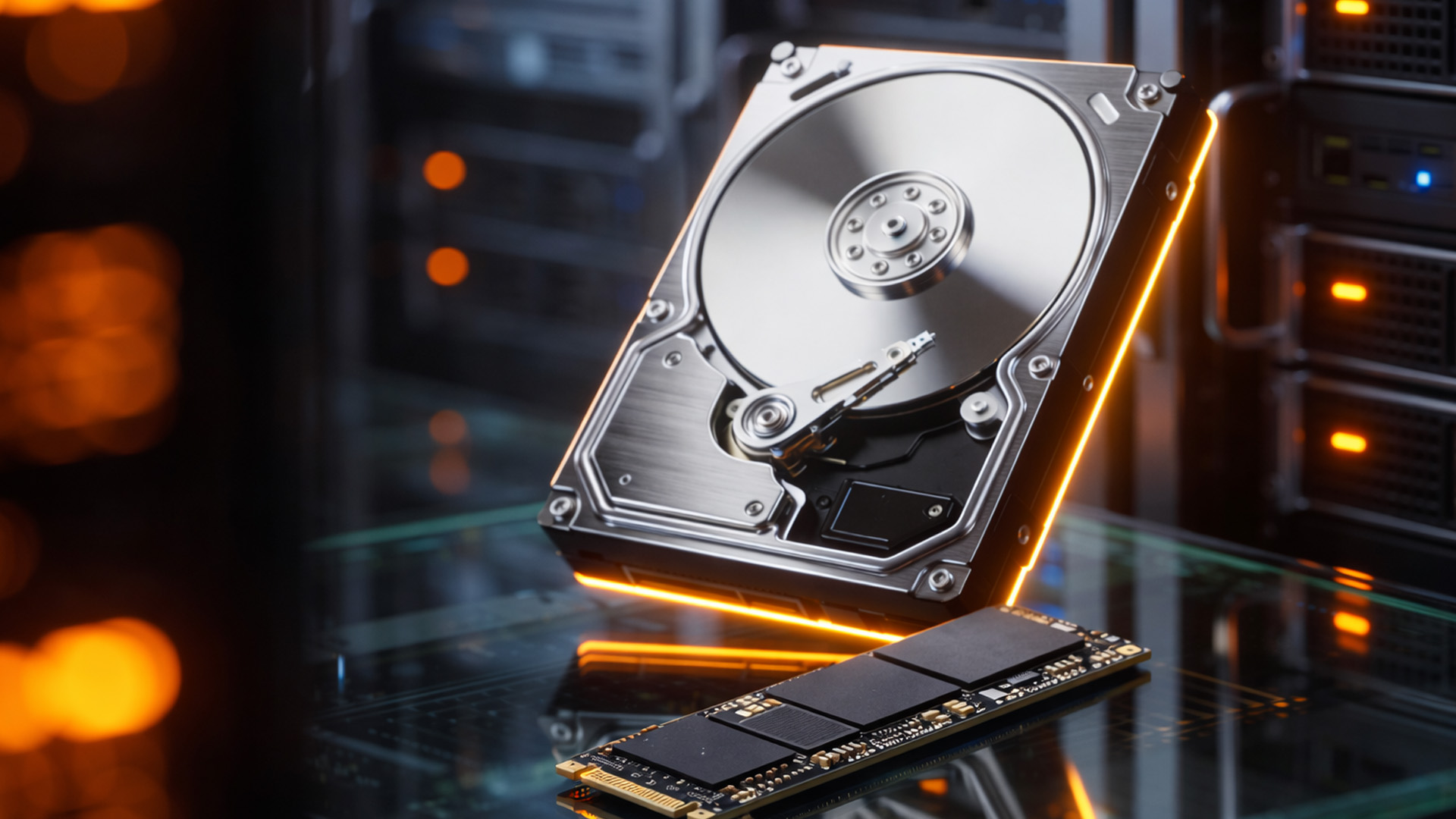
When upgrading to a larger SSD, replacing an aging hard drive, or recovering from hardware issues, Windows users often face an important decision: should they clone their existing disk or perform a clean installation of Windows? Both methods have their advantages, but the right choice depends on your priorities, technical experience, and the current state of your computer.
Disk cloning has become increasingly popular because it allows users to migrate their entire operating system, applications, settings, and personal files to a new drive without starting from scratch. On the other hand, reinstalling Windows offers a fresh beginning that can eliminate years of accumulated software clutter and configuration issues.
If you’re exploring reliable tools for disk migration and system management, resources like kracensoft com provide useful information about cloning utilities, backup software, and Windows optimization solutions that simplify the migration process.
What Is Disk Cloning?
Disk cloning is the process of creating an exact, bootable copy of one storage drive onto another. Unlike simply copying files, cloning duplicates every partition, system file, application, user profile, and boot configuration.
Once the cloning process is complete, the new drive can often replace the old one immediately, allowing the computer to boot exactly as it did before.
Common situations where disk cloning is used include:
- Upgrading from an HDD to an SSD
- Replacing a failing drive
- Migrating to a larger storage device
- Creating identical workstation deployments
- Preparing backup drives for disaster recovery
The biggest advantage is convenience—you continue working with the same operating system and installed programs without needing lengthy setup.
What Does Reinstalling Windows Mean?
A clean Windows installation removes the existing operating system and installs a brand-new copy. After installation, you’ll need to:
- Install drivers
- Download Windows updates
- Reinstall applications
- Restore personal files
- Configure settings and preferences
- Sign back into software accounts
Although this requires considerably more time, it creates a fresh operating system free from unnecessary software, temporary files, and outdated configurations.
Advantages of Disk Cloning
Saves Significant Time
One of the biggest benefits of cloning is speed. Instead of spending hours reinstalling software and restoring files, you can resume work almost immediately after replacing the drive.
For professionals who depend on specialized applications, this can save an entire workday.
Preserves Your Entire Setup
Every customized setting remains intact, including:
- Desktop layout
- Installed applications
- Browser bookmarks
- User profiles
- Software licenses
- Personal documents
There’s no need to remember passwords, reinstall plugins, or reconfigure productivity tools.
Ideal for SSD Upgrades
Many users upgrade from traditional hard drives to SSDs for improved performance. Cloning transfers everything while allowing users to benefit from dramatically faster boot times and application loading.
Reduces Downtime
Businesses often use cloning because it minimizes interruptions. Employees can continue using identical system environments after hardware upgrades without lengthy reconfiguration.
Advantages of Reinstalling Windows
Removes Software Clutter
Over time, Windows systems accumulate:
- Temporary files
- Unused applications
- Startup programs
- Outdated drivers
- Registry entries
A clean installation removes these unnecessary components and often improves responsiveness.
Eliminates Persistent Problems
If malware, corrupted system files, or recurring crashes affect a computer, reinstalling Windows may resolve issues that cloning would simply copy onto the new drive.
Better Long-Term Stability
Fresh installations provide a cleaner software environment with fewer compatibility issues caused by years of upgrades and software installations.
When Disk Cloning Is the Better Choice
Disk cloning is generally the better option when:
Your Existing Windows Installation Is Healthy
If your computer performs well and you’re simply replacing storage hardware, cloning preserves a stable environment without unnecessary work.
You’re Upgrading Hardware
Replacing an HDD with an SSD is one of the most common reasons people clone drives. The transition is seamless, and performance improvements become noticeable immediately.
You Use Specialized Software
Creative professionals, developers, engineers, and business users often rely on software requiring complex configuration or licensing. Cloning prevents the need to reinstall and reactivate every application.
You Want Minimal Downtime
Students and professionals working under deadlines may prefer cloning because it allows them to continue working almost immediately.
When Reinstalling Windows Makes More Sense
A clean installation is often the better solution if:
- Windows crashes frequently.
- The system has malware infections.
- Performance has gradually deteriorated.
- Numerous driver conflicts exist.
- The computer has years of accumulated software.
- You want a completely fresh start.
In these situations, cloning would simply duplicate existing problems.
Performance Comparison
Many people assume a cloned system performs slower than a fresh installation, but that’s not necessarily true.
If the original installation is healthy, cloned systems usually perform nearly identically to fresh installations. The largest performance gains typically come from upgrading storage hardware rather than reinstalling Windows itself.
However, if the original installation contains unnecessary startup programs, excessive background services, or corrupted files, a clean installation may feel faster because it eliminates those issues.
Which Method Is Easier?
For most users, disk cloning requires fewer steps overall.
Typical cloning workflow:
- Connect the new drive.
- Run cloning software.
- Clone the source drive.
- Replace the original drive.
- Boot normally.
A clean Windows installation involves significantly more tasks after setup, including installing applications, configuring settings, and restoring backups.
Backup Is Essential Either Way
Whether cloning or reinstalling Windows, creating a complete backup beforehand is essential.
Unexpected interruptions—such as power failures or hardware errors—can lead to data loss if no backup exists.
Microsoft recommends maintaining regular backups of important files using trusted backup methods before making major system changes. More guidance is available through the Microsoft Windows Backup documentation.
Factors to Consider Before Deciding
Before choosing between cloning and reinstalling Windows, ask yourself:
- Is my current Windows installation stable?
- Am I simply replacing storage hardware?
- Do I have many applications to reinstall?
- Have I experienced malware or frequent crashes?
- How much downtime can I tolerate?
Your answers will often make the decision straightforward.
Final Verdict
Neither approach is universally better—they solve different problems.
Disk cloning is the ideal choice when your current Windows installation is functioning properly and you want to upgrade hardware quickly while preserving everything exactly as it is. It minimizes downtime, saves hours of setup, and keeps your applications and personal settings intact.
A clean Windows installation is the better option when your computer has accumulated years of software clutter, suffers from recurring issues, or needs a completely fresh operating system.
Ultimately, the best solution depends on the condition of your existing system. If it’s healthy, cloning provides unmatched convenience. If it’s unstable or infected, reinstalling Windows offers the clean slate needed for long-term reliability.
